
Views: 1
Most people treat “analysis” like a single straight road: ask a question, get an answer, move on. Real thinking is messier. It looks more like a kitchen with three burners going at once, each pot doing something different. One simmers facts, another reduces options, and a third checks whether anything is about to boil over.
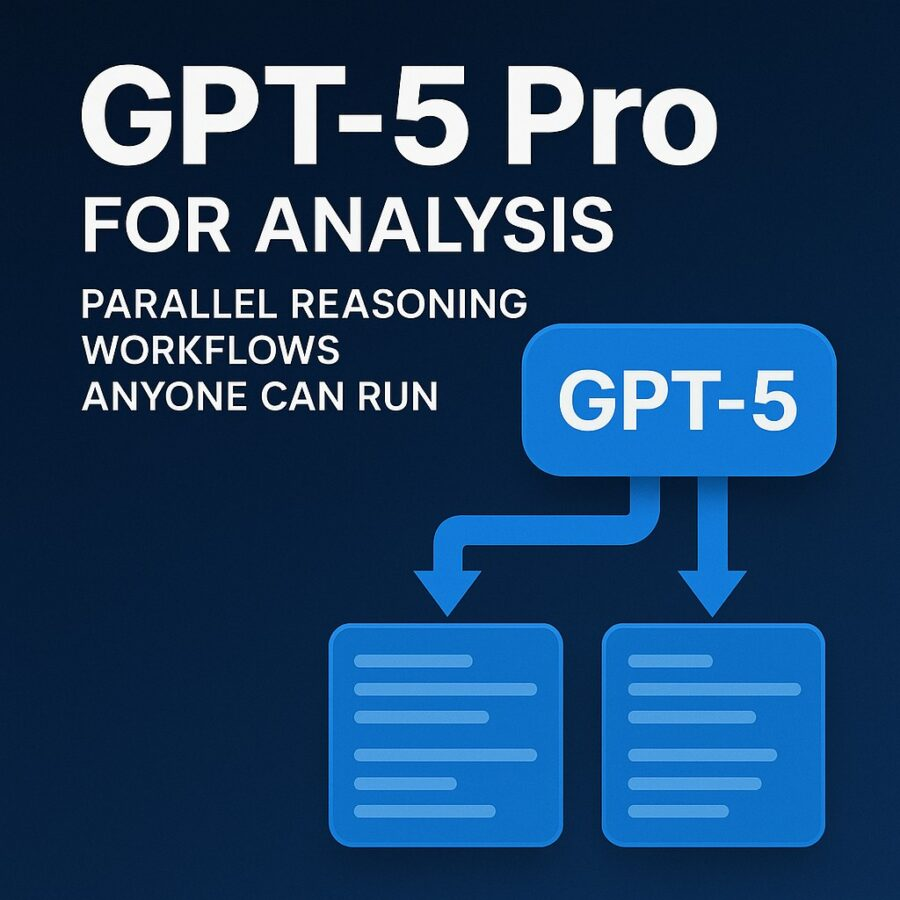
That is the point of GPT-5 Pro For Analysis: Parallel Reasoning Workflows Anyone Can Run. You are not trying to squeeze brilliance out of one prompt. You are setting up several small, focused passes that happen side-by-side, then you compare them and keep only what survives.
What GPT-5 Pro is, in plain terms
OpenAI describes GPT-5 pro as a model that uses more compute to think harder and aims for more consistently strong answers on tough tasks. It is available in the Responses API, and it is built for longer, harder reasoning. It may take minutes on some requests, and OpenAI recommends background mode to avoid timeouts. It also defaults to high reasoning effort and does not support code interpreter. (OpenAI Platform)
On the ChatGPT side, the Pro plan is positioned as “Pro reasoning,” with maximum deep research and agent mode, plus higher limits for memory and context. (OpenAI)
So you can run these workflows in two ways:
- In ChatGPT Pro, by running multiple short “roles” or threads in parallel.
- In the API, by firing several Responses requests at once and merging the results.
Either way, you are building a thinking assembly line.
Why parallel reasoning works
One model response is like one student’s essay draft. It can be excellent, but it can also miss a counterexample, assume a hidden premise, or sound confident while being wrong.
Parallel reasoning fixes that by forcing disagreement early. Instead of “one answer,” you get a small panel:
- a builder who proposes
- a skeptic who pokes holes
- a judge who scores tradeoffs
- a clerk who extracts clean takeaways
Then you synthesize.
This method is also friendlier to normal humans. You do not need to be a prompt wizard. You just need repeatable patterns.
Ground rule before you start: pick tools that match the job
GPT-5 models can use tools in the Responses API such as function calling, structured outputs, file search, and web search, depending on the model and configuration. (OpenAI Platform)
Two details matter for “parallel” setups:
First, structured outputs are designed to keep responses in a strict JSON shape, which is great when you want clean extraction and fewer formatting surprises. (OpenAI Platform)
Second, structured outputs are not compatible with parallel function calls. If you need strict schemas, you generally disable parallel tool calls so the model calls zero or one tool at a time. OpenAI’s docs and article both call this out. (OpenAI)
That may sound technical, but the idea is simple: if you want neat, reliable outputs, do not let the agent spray multiple tool calls in one turn.
Workflow 1: The Three-Lens Scan
Use when: you want a strong answer fast, without blind spots.
You run the same question three times, each with a different lens. You can do this in three separate chats, or in one chat by clearly labeling sections.
Lens A, the Builder
Ask for a straightforward plan, assumptions, and a first draft solution.
Lens B, the Skeptic
Ask for failure modes, missing data, edge cases, and what would make the plan collapse.
Lens C, the Teacher
Ask for the same solution explained simply, with a short analogy, and a checklist.
Then merge: keep the Builder’s structure, the Skeptic’s warnings, and the Teacher’s clarity.
If you are using ChatGPT Pro, this is easy: open three tabs and run the three lenses at once. If you are using the API, you do the same thing by running three separate Responses requests concurrently.
A small prompt pattern that keeps each lens honest:
Prompt: You are running Lens B, the Skeptic. Your job is to challenge the plan. List 8 specific ways it could fail, ranked by likelihood. For each, include one preventative guardrail. Do not propose a new plan unless the original plan is fundamentally broken.
This gives you the benefits of “parallel” thinking without needing any code.
Workflow 2: The Claim Table, then the Proof Pass
Use when: the topic is factual, risky, or easy to hallucinate.
Step 1, Claim table
Ask GPT-5 Pro to output a table with:
- claim
- confidence level
- what evidence would prove it
- what evidence would disprove it
Step 2, Proof pass
Use a research step to check claims. In the OpenAI stack, web search and deep research are designed for longer investigations, and OpenAI recommends background mode for long-running work. (OpenAI Platform)
Step 3, Rewrite
Ask the model to rewrite the answer using only the verified claims, plus citations or source notes.
This workflow feels like grading a paper. The first pass is the student writing confidently. The second pass is you checking the citations. The third pass is the revised submission.
If you want a clean, reusable structure, use structured outputs for the claim table. Structured outputs help ensure the model adheres to your schema so you can reuse it again and again. (OpenAI Platform)
Affiliate Link
See our Affiliate Disclosure page for more details on what affiliate links do for our website.

Workflow 3: The Decision Matrix with a Built-In Stress Test
Use when: you must choose between options and defend your choice.
Step 1, generate options
Ask for 4 to 6 realistic choices.
Step 2, scoring rules
Define 5 criteria you care about. Example:
- cost
- time
- risk
- durability
- learning curve
Step 3, score and explain
Ask the model to score each option 1 to 10 and explain the score in one sentence.
Step 4, stress test
Now run a parallel pass: one instance tries to prove the top option is wrong, while another tries to prove the second-best option is better.
What you get is a decision that can survive cross-examination. That matters in real life, because you will have to explain your choice to a boss, a client, or your future self.
If you are building this in the API, the Responses API is designed to support multi-turn interactions, and OpenAI notes it can carry forward prior reasoning items to reduce extra reasoning tokens and improve efficiency across turns. (OpenAI Platform)
Workflow 4: The Parallel Outline, then the Best-of Merge
Use when: writing, planning, course design, or any structured deliverable.
Run two or three outlines at the same time with different constraints:
- Outline A: beginner friendly
- Outline B: advanced and technical
- Outline C: story-driven and examples-first
Then ask GPT-5 Pro to create a “merged outline” that:
- keeps the clearest sequence
- removes overlap
- adds one example per section
- flags where sources are needed
This is like having three teaching assistants draft lesson plans, then you choose the strongest parts. You end up with something richer than any single outline.
Workflow 5: The Guardrails Check for Tool-Using Agents
Use when: your agent can call tools or take actions, and you want fewer “oops” moments.
OpenAI’s function calling documentation explains how models can produce tool calls and how developers pass tool outputs back to the model. It also documents settings like disabling parallel tool calls when you want stricter control. (OpenAI Platform)
So your parallel workflow here is not “three answers.” It is “three checks.”
Check A, Tool necessity
Does the agent actually need a tool, or can it answer from the prompt?
Check B, Tool safety
Is the tool read-only, or does it modify anything? If it modifies, require confirmation.
Check C, Output shape
If your downstream system expects structure, use structured outputs and keep tool calling non-parallel to avoid schema breakage. (OpenAI)
A practical guardrail prompt:
Prompt: Before using any tool, do a safety gate: (1) state the tool you want to call and why, (2) list the exact inputs you will send, (3) list what could go wrong, (4) if the action is irreversible or changes data, ask me to confirm. If you cannot justify the tool call, do not call it.
It reads simple, but it prevents a lot of chaos.
Affiliate Link
See our Affiliate Disclosure page for more details on what affiliate links do for our website.
This offer is for NEW USERS to Coinbase only!

Alt+Penguin’s Referral link details for NEW Coinbase users
When using our referral link (click here or the picture above) and you sign-up for a NEW Coinbase account & make a $20+ trade, you will receive a FREE $30 to your Coinbase account!
How to run these workflows in ChatGPT Pro without feeling technical
Here is the simplest routine that works for normal humans:
- Open 3 chats (or 3 Project tabs if you use Projects).
- Give each chat a role name: Builder, Skeptic, Judge.
- Paste the same problem into each chat, plus the role instructions.
- Copy the three outputs into a final chat and ask for a merged result with conflicts highlighted.
ChatGPT Pro is pitched as giving deeper reasoning plus maximum deep research and agent mode, which pairs nicely with this multi-pass style. (OpenAI)
How to run the same idea in the API, safely
If you are a developer or you have someone technical helping you, the same pattern becomes:
- send multiple Responses requests at once
- optionally run long ones in background mode
- merge results with a final “synthesis” request
Background mode is explicitly meant for long-running tasks on GPT-5 variants so you do not worry about timeouts. (OpenAI Platform)
If your synthesis step needs strict JSON, keep tool calls non-parallel and use structured outputs.
A closing reminder that keeps you honest
GPT-5 Pro is not a magic truth machine. It is closer to a powerful microscope. It helps you see patterns, but you still have to label the slides correctly and keep the lenses clean.
Parallel reasoning workflows do exactly that. They add multiple lenses, reduce single-answer overconfidence, and turn “analysis” into a repeatable habit anyone can run.
When you build your process this way, the model stops being a slot machine and starts feeling like a disciplined lab partner.





