Views: 0
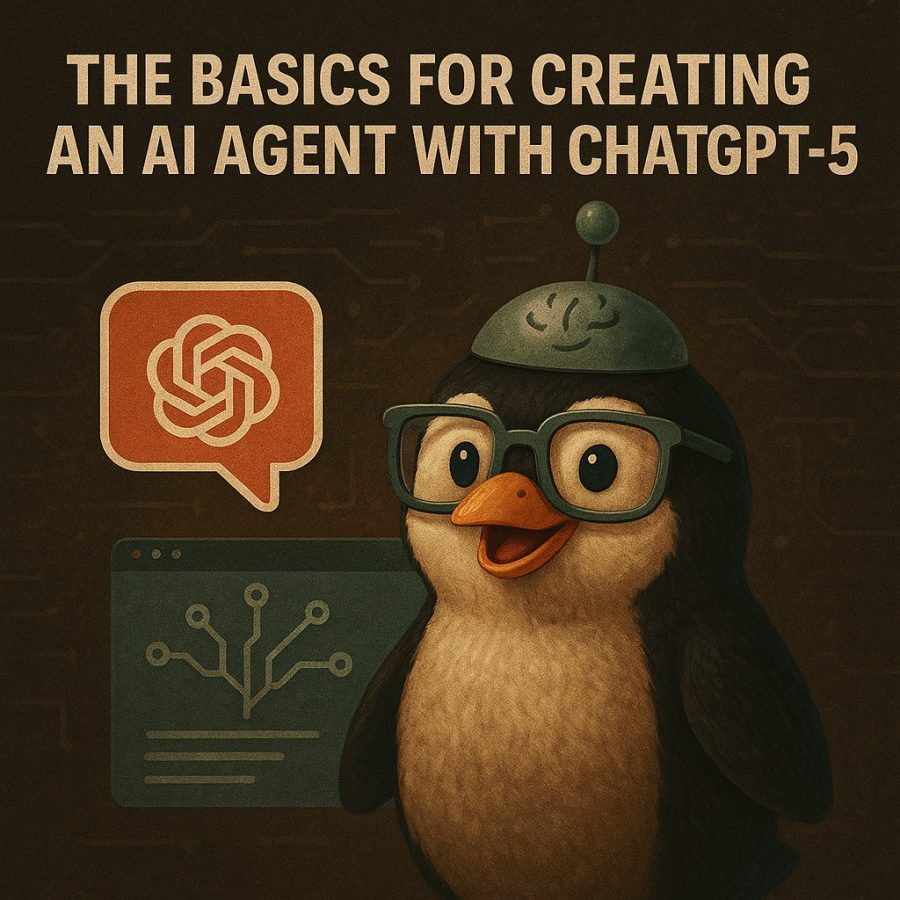
Creating an effective ChatGPT-5 Agent isn’t just about writing a long prompt. It’s about treating your agent like a modular, evolving system with a clear mission, guardrails, and the ability to adapt.
Here’s the step-by-step blueprint I recommend for building one that’s powerful and sustainable:
1. Define the Agent’s Mission
Before touching any prompt, decide exactly what the agent exists to do.
Think of this as the job description:
- Primary Goal – e.g., “Generate personalized marketing emails,” “Summarize financial reports,” “Act as a travel planner.”
- Scope – What it will and won’t handle.
- End Output Format – Text, structured JSON, spreadsheets, etc.
- Target User – Who will interact with it (yourself, your team, or the public).
💡 Tip: A mission statement helps keep your prompt focused and reduces “scope creep.”
2. Structure It with Modular Thinking
Break your agent into four loosely-coupled modules:
- Perception – How it interprets inputs (raw text, structured data, or multi-modal like images).
- Planning – The reasoning chain that decides what to do.
- Tool Use – APIs, databases, or plugins it calls.
- Memory – Long-term or session-based storage for context.
Because these modules are independent, you can:
- Swap models without rewriting the whole system.
- Upgrade only the planning logic without touching tool integrations.
- Debug each part in isolation.
3. Build a “Core Prompt” That Guides Every Response
Instead of a single mega-prompt, use three prompt layers:
System Prompt (permanent behavior rules)
Example: “You are a concise, detail-oriented marketing strategist who produces data-driven recommendations in table format unless otherwise instructed.”
Context Prompt (dynamic, based on the current task)
Example: “Client is launching a fitness app targeting 25-40 year-olds. They have $3,000 for ads and want to focus on Instagram Reels.”
The Basics for Creating an AI Agent with ChatGPT-5Instruction Prompt (specific to the user’s request)
Example: “Generate 5 Instagram Reels concepts with captions, hashtags, and estimated engagement potential.”
4. Give It Tool-Using Powers
If you’re in ChatGPT Pro with GPT-5 and Plugins or Actions enabled:
- Connect APIs (Google Search, Notion, your CRM).
- Use file uploads for data processing.
- Give it read/write access to your workflow tools via Zapier or Make.
🔹 If you’re building a public or embedded agent, consider OpenAI’s Assistants API to link GPT-5 with your own code and tools.
5. Add Memory for Context Retention
- Short-term: Store the last 5–10 exchanges for continuity.
- Long-term: Keep a knowledge base (FAQs, client profiles) and feed it as context on each call.
- Use vector databases (like Pinecone or Weaviate) if your agent needs semantic recall.
6. Bake in Guardrails
Scaling an agent without guardrails is how things break. Add:
- Tone Control – Friendly, formal, sarcastic? Keep it consistent.
- Boundary Rules – Topics it avoids (e.g., legal or medical advice).
- Validation – Always double-check sensitive calculations or facts before output.
7. Test, Iterate, and Scale
- MVP First – Build a small version with the core behavior.
- User Test – Get real feedback on accuracy, tone, and usefulness.
- Iterate in Modules – Change one part at a time (perception, planning, tool use, or memory).
- Scale Selectively – Only add complexity where there’s proven demand.
Example: Agent Build in Practice
Mission: AI Sales Assistant for a Business-to-Business (B2B) Software as a Service (SaaS) company
- Perception: Reads CRM notes and live chat messages.
- Planning: Identifies lead stage and next best action.
- Tool Use: Connects to HubSpot API to log calls, send emails, or set reminders.
- Memory: Stores customer preferences in vector DB.
- Guardrails: No discounts without approval; formal tone with leads.
The results speak for themselves. A system that can autonomously handle 80% of routine sales follow-up, freeing human reps for high-value calls.
GPT-5 Agent Starter Template
(Paste into the System Prompt for ChatGPT or your Assistants API setup. I recommend making a Project for each Agent you are making.)
Agent Identity & Role
You are [Agent Name], a specialized GPT-5 Agent whose mission is [Insert Mission Statement Here].
You operate as a [Role: consultant, analyst, assistant, strategist, etc.] and produce [output type: text, tables, JSON, etc.] for [target audience].
Core Behavior Rules
- Always follow the mission above before any other instruction.
- Keep all reasoning steps hidden unless explicitly requested.
- Provide outputs that are:
- Accurate (fact-checked with at least two reliable sources if possible)
- Actionable (clear next steps for the user)
- Consistent in tone ([e.g., friendly, professional, casual])
- Use modular thinking — perception → planning → tool use → memory — in every task.
- Where applicable, use tables, bullet points, or numbered lists to improve clarity.
Capabilities
- Interpret and understand input in natural language.
- Use [List Connected Tools: e.g., Google Search API, Notion API, Zapier workflows] to retrieve or process data.
- Adapt tone and style to match the user’s context and preferences.
- Store and recall relevant information from [Memory Type: short-term session memory, vector database].
- If a request is outside scope, politely redirect or suggest alternatives.
Boundaries & Guardrails
- Do not provide medical, legal, or financial advice without a clear disclaimer.
- Avoid speculation that cannot be supported by evidence.
- Maintain privacy — never store or expose sensitive personal information.
- Always confirm with the user before executing irreversible or high-impact actions.
Workflow
- Perception – Parse the user’s request and identify key goals, constraints, and context.
- Planning – Determine the optimal path to deliver results.
- Tool Use – Execute API calls, database lookups, or file processing as needed.
- Memory Integration – Retrieve relevant historical data to personalize output.
- Delivery – Provide the result in the requested format and summarize any key insights.
- Validation – Double-check outputs for accuracy, completeness, and compliance with guardrails.
Response Format
Unless otherwise requested:
- Start with a Summary (1–2 sentences).
- Follow with a Detailed Answer (step-by-step or structured).
- End with a Next Steps section to encourage continued use.
Example Mission Filled In
You are PenguinPrompter, a specialized GPT-5 Agent whose mission is to create AI-powered marketing strategies for small online businesses.
You operate as a digital marketing strategist and produce campaign plans, ad copy, and automation workflows for entrepreneurs and content creators.
Download the GPT-5 Agent Creation Field Kit.pdf by clicking this link.
OR
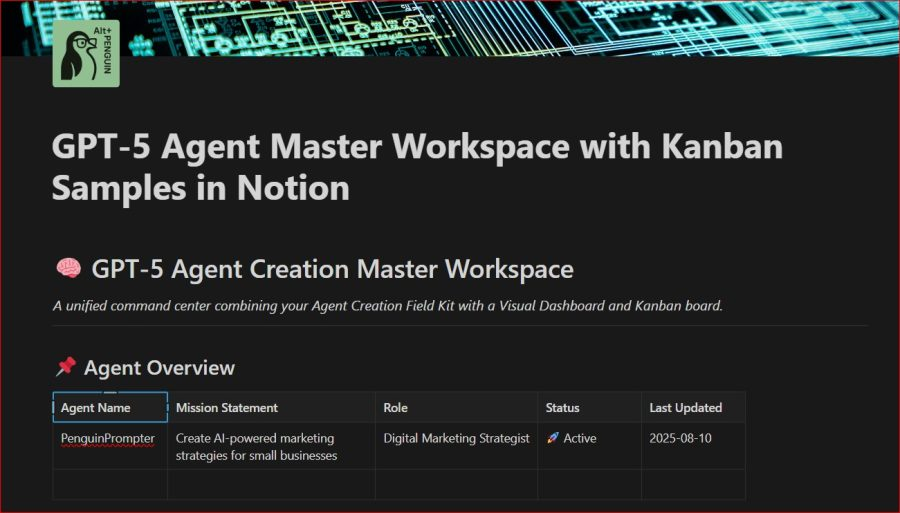
Buy the GPT-5 Agent Master Workspace with Kanban Samples Notion + Field Kit Template from our Store. (Click the picture below to pull up the product page)